Optional planning tools
Build a cleaning plan before you ask for a proposal.
Choose your kind of property and what needs cleaning, walk the building room by room, and see the services and visit frequency that fit. Nothing here is sent anywhere, and no price is shown: a written proposal follows a site walkthrough.
Start here
Build your service plan
Choose your property and what it needs. Your plan updates as you go and carries into the assessment.
1. What do you manage?
2. What should it cover?
General cleaningAll 3 selected
RestroomsAll 6 selected
FloorsAll 5 selected
High-touch surfacesNot included
Waste and recyclingAll 4 selected
Interior glassNot included
Deep cleaningNot included
Choose a property type to unlock these.
Your plan so far
Choose a property type to see recommended services, a plan category and a starting frequency.
Services
Choose a service and see what it covers.
Each service starts from a written scope and a site walkthrough. Pick one, or choose a property type above and the right service is highlighted for you.
Commercial Office Cleaning
A quiet, consistent clean for the spaces your team works in.
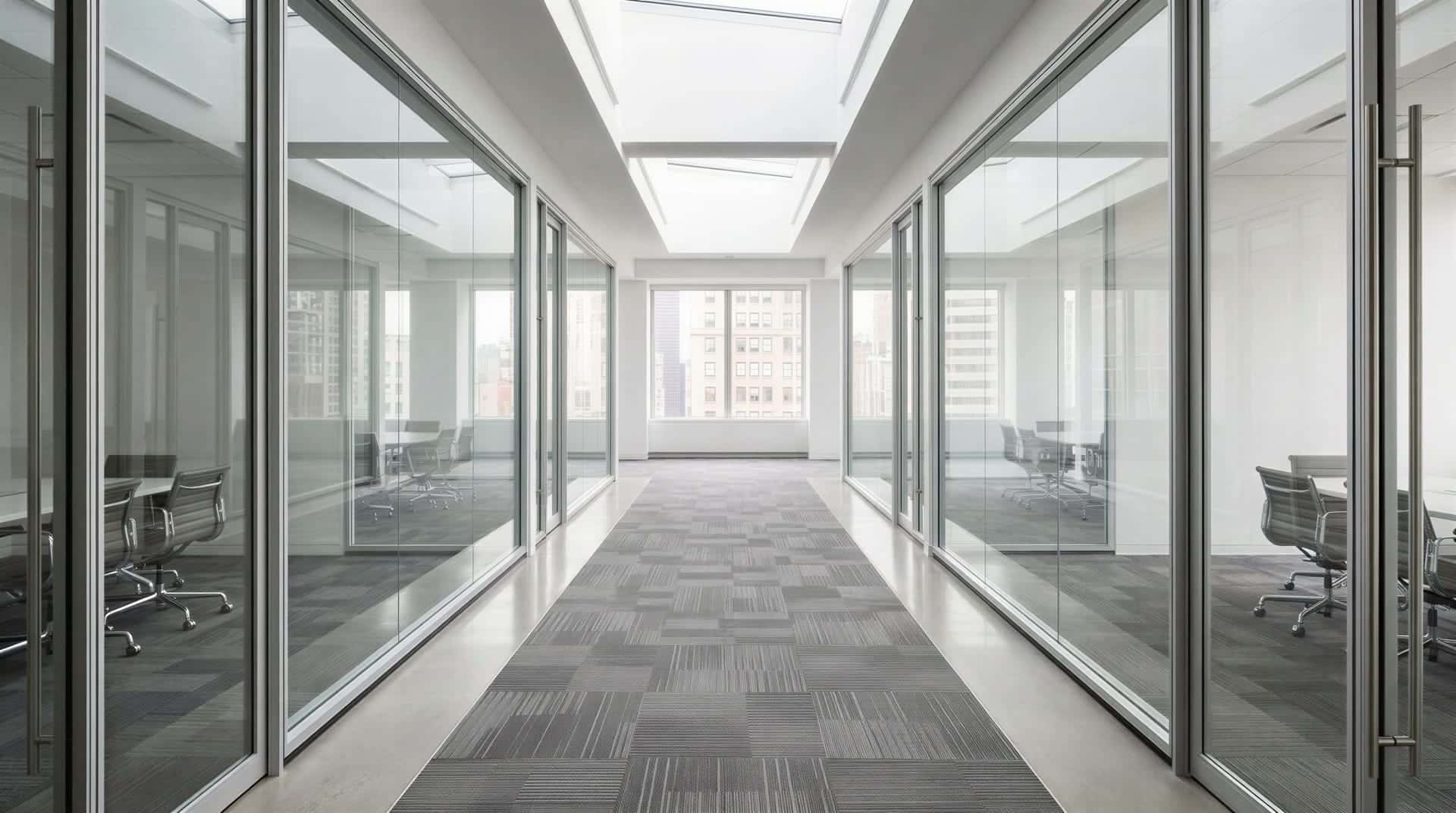
Office cleaning is built from a written scope for your floor plate: which zones, how often, and to what standard. Visits are scheduled around occupancy so the work is done without interrupting your team, and each visit follows the same documented procedures.
Workspaces
- Cleared desk and table surfaces wiped
- Horizontal surfaces dusted within reach
- Carpet vacuuming and hard-floor dust-mopping
- Spot cleaning of glass and partitions
Restrooms
- Fixtures, sinks, mirrors and partitions cleaned
- Floors damp-mopped
- Dispensers refilled from agreed supplies
Breakrooms and shared areas
- Counters, tables and appliance exteriors wiped
- Sinks cleaned
- Waste and recycling collected and re-lined
High-touch points
- Door handles, light switches, push plates and shared-device surfaces cleaned each visit
Building explorer
Walk the building. Build the scope room by room.
Select a room to see what it demands, the standard tasks and how often they would be done. Add the zones you need and the scope builds as you go. Your selection comes with you into the assessment.
Choose a property type and the plan changes to match, or build your own layout room by room.
Office floor (illustrative) · not to scale
Click or tap a room to add it and see its details. Select it again to remove it. With a keyboard, use the arrow keys to move between rooms and Enter or Space to select.
Reception
Entrance, front desk and waiting area. About 8% of this illustrative plan.
Cleaning requirements
- Presentation standard: visible to every visitor and tenant
- Entrance glass and door hardware are the first high-touch points
- Entry mats and hard floors take the most weather and traffic
- Service should finish before staff and visitors arrive
Standard tasks and proposed frequency
6 of 6 tasksUntick a task to leave it out, or choose how often it happens. Your choices are kept for this zone.
Standard exclusions
- Exterior glass and storefront facades
- Artwork, displays and electronics beyond light dusting
- Cleaning above safe reach height
Your selections are saved in this browser only. Final scope and pricing require a site inspection and cost verification.
Properties we plan for
One standard, adapted to the kind of space.
Initial territory: Manhattan, New York City, focusing on Midtown, Hell's Kitchen, Chelsea, Garment District. Nearby commercial areas are reviewed during the property assessment.
Select a property type to see what we plan around for it. The services, the building explorer and your plan all follow your choice.
Plan builder preview
Your plan, assembled live.
These are the same inputs the assessment collects. Change any of them and the recommended services, frequency plan and planning range rebuild immediately. No price is shown: final pricing needs a site inspection and cost verification.
1. Property
2. Coverage
LockedWork and public areas: dusting, surface wiping, spot cleaning
Fixtures, floors, dispensers and restocking
Vacuuming, dust-mopping and mopping by surface type
Door hardware, switches, shared surfaces
Collection, liner changes and stream separation
Partitions, doors and interior windows within reach
Project-based detail cleaning, scoped separately
Choose a property type under 1. Property to unlock these.
3. Rooms
LockedPlan: Office floor (illustrative). The same rooms as in the building explorer.
Choose a property type under 1. Property to unlock these.
4. Kitchen or breakroom
Choose a property type under 1. Property to unlock these.
5. Special requirements
Choose a property type under 1. Property to unlock these.
6. Optional add-ons and project work
0 of 14 selectedOptional. These are quoted separately after a walkthrough; no price is shown. A planned service is not offered yet: choosing it only notes your interest.
Quoted after a walkthrough. Return a space to the landlord, or ready it for the next tenant, to the standard the lease asks for.
Quoted after a walkthrough. Remove construction dust and debris in stages, from rough clean to final touch-up before handover.
Quoted after a walkthrough. Machine-based work to bring floors back or protect them between routine cleans.
Quoted after a walkthrough. Hot-water extraction and spot treatment for office carpet, cubicle panels, upholstered seating and entry mats.
Quoted after a walkthrough. Interior glass, partitions and ground-level storefront glass cleaned streak-free. High-rise and exterior work at height is not part of it. Not included: Exterior glass above the ground floor, and any work at height (lifts, swing stages, rope access), is not part of it.
Quoted after a walkthrough. A scheduled, documented program for high-touch surfaces using registered products, per the label.
Quoted after a walkthrough. A thorough reset of pantries and staff kitchens that routine visits do not reach.
Planned, not offered yet: we note your interest. On-site coverage during opening hours for lobbies, restrooms and shared spaces.
Planned, not offered yet: we note your interest. Keep arrival areas presentable and safe through the year, including winter weather.
Planned, not offered yet: we note your interest. Restrooms kept clean and sanitary, with paper, soap and liners ordered and restocked to a par level, so nothing runs out.
Planned, not offered yet: we note your interest. Cleanup of an ordinary mess outside normal visit hours, on top of a recurring program or on its own. Ordinary messes only. Not included: Non-hazardous only. Biohazard, bodily-fluid, sewage and remediation work, and anything else that needs licensed specialists, is not part of it. If that is what you are dealing with, we will say so plainly. It does not promise a response time or round-the-clock cover.
Planned, not offered yet: we note your interest. Dusting of beams, ducts, vents, sprinkler heads and ceiling ledges above normal reach, where the building permits access equipment.
Planned, not offered yet: we note your interest. Washing of fabric and metal awnings, canopies and sign faces that can be reached safely from the ground. Not included: Anything that needs a lift or any other work at height is not part of it.
Planned, not offered yet: we note your interest. An option to clean a property's routine scope with lower-impact products, chosen from an approved product list. Not included: It depends on an approved product list, so what can be offered is not fixed yet. No green or eco certification is claimed.
7. Schedule
The assessment adds floors, restrooms, occupancy, start date and contact details, then generates a scope you can download as a PDF. Everything you choose here comes with you.
1 of 11 answers complete. 0 service categories recommended.
Preliminary scope
Updates as you answer
1/11
Choose a property type to begin. Recommended services, a frequency plan and onsite checkpoints appear here and change with every answer.